Kong Dev Portal comes out of the box with a [RESTful API](https://konghq.com/blog/learning-center/what-is-restful-api)RESTful API-based catalog and YAML-based template functionality. In this tutorial, I'll show you how to get to the next level of [API documentation](https://konghq.com/blog/learning-center/guide-to-api-documentation)API documentation using Kong Dev Portal with GraphQL. That way, you'll be able to give your API developers an interactive experience.
## **What You'll Need**
In my example, I'll be using [Kong Konnect](https://konghq.com/kong-konnect)Kong Konnect Enterprise Version 2.4, but the version number does not really matter. I also configured my workspace with one service that points to a Star Wars API endpoint with a GraphQL interface (swapi-graphql.netlify.com).
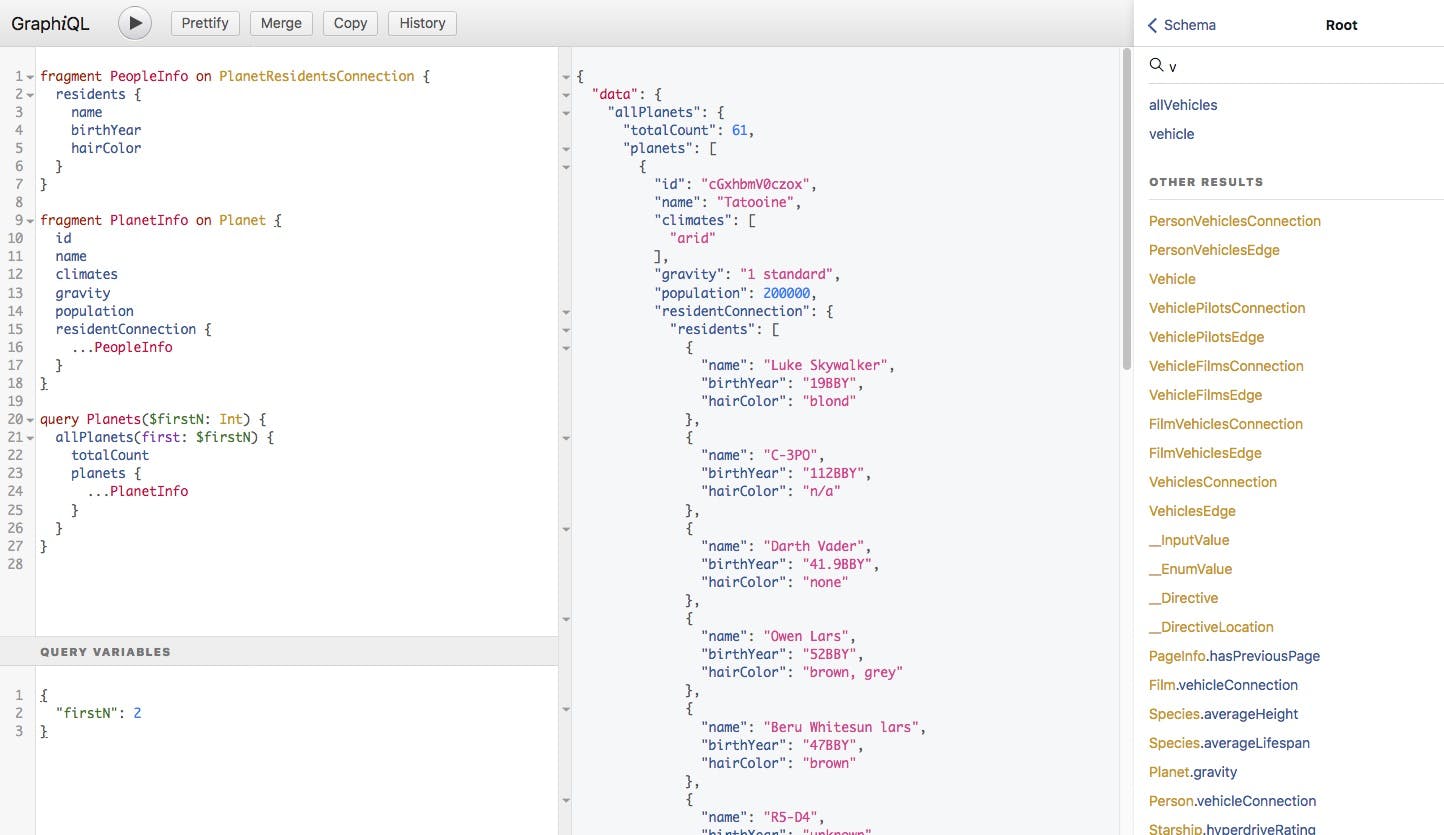
We'll also be using an open source tool called [GraphiQL](https://github.com/graphql/graphiql)GraphiQL for interactive documentation of a GraphQL endpoint. With GraphiQL, we'll see requests, responses and automated generation of documentation based on the endpoint.
Let's get started.
## **Create a Template**
Since we're starting from scratch, we'll first need to create our template or use one of the layouts that come with Kong out of the box.
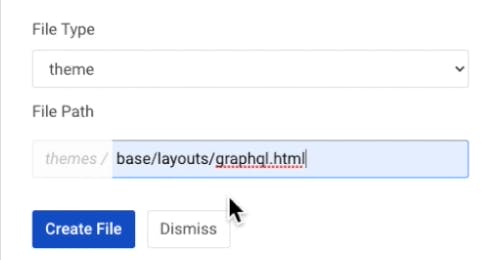
Click **New File +**. Select **theme** as the file type. We'll enter **base/layouts/graphql.html** as the file pathname. Right now, this is a very lightweight template. Click **Create File**.
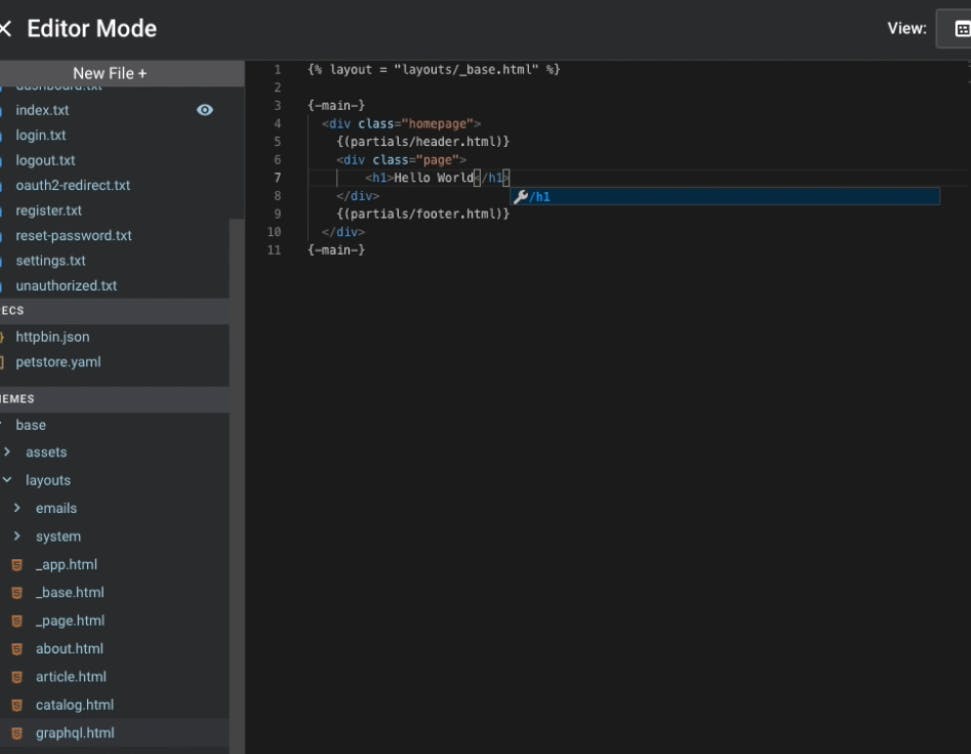
To add to it, we can include a header and footer by borrowing from what we already have in the graphql.html file we just created. But, for now, we'll just add an H1 that says “Hello World.”
## **Add Content**
Now that we have a template, we need to set up a system that will use it. We need to have content which references this template. Let’s create that file just as we did in the previous step. Change File Type to **content**. Change the File Path to **swapi/index.md**. Click **Create File**.
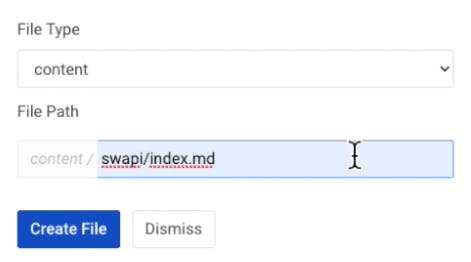
Edit the file as below and **Save Changes**:
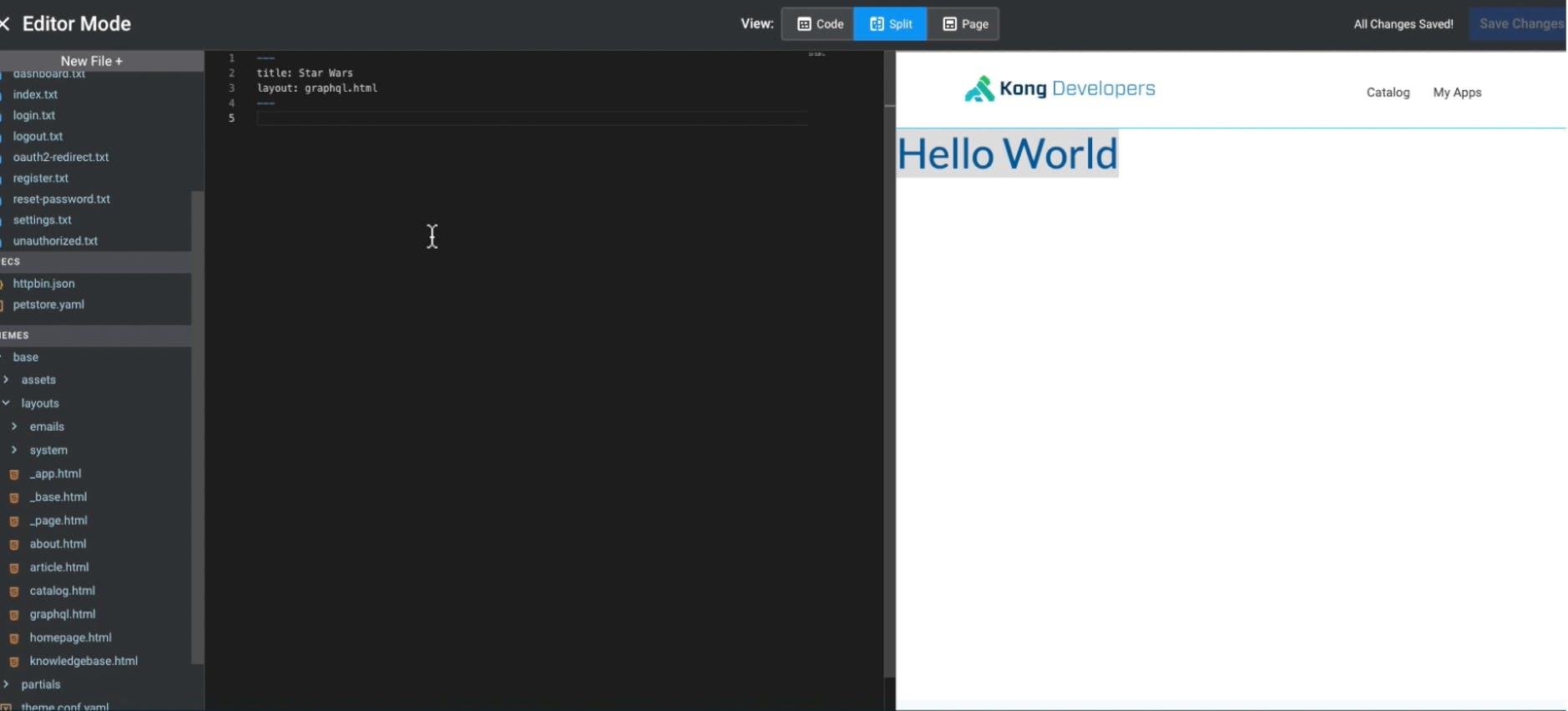
## **Edit Title**
Now that we have a template rendered, let's make our title visible on the Dev Portal. In our template, we can embed any data in that YAML file we edited earlier. Now it’s rendering "Star Wars" as the title.
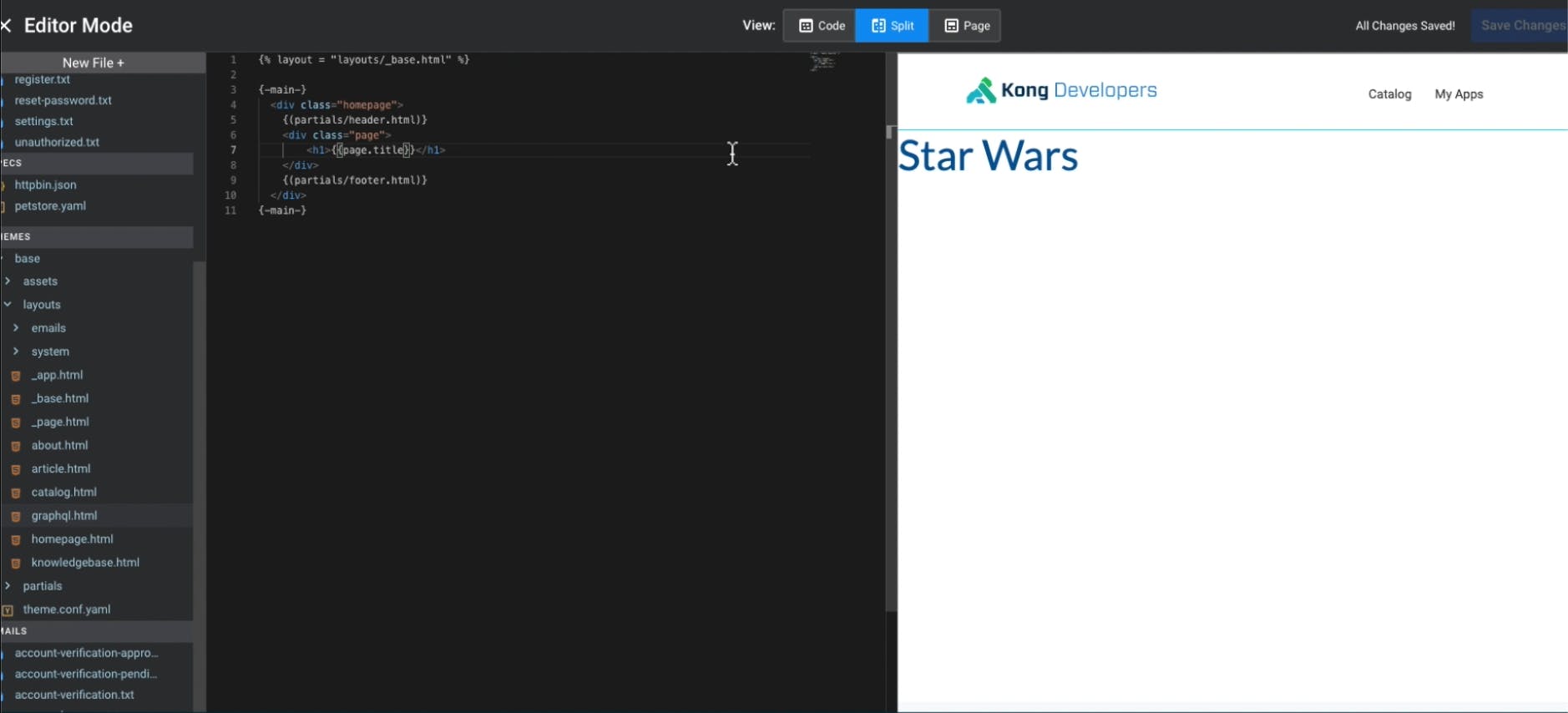
Upload the content here and say it’s now about “May the 4th.” We are getting dynamic rendering of content here, and you can put anything in that YAML structure.
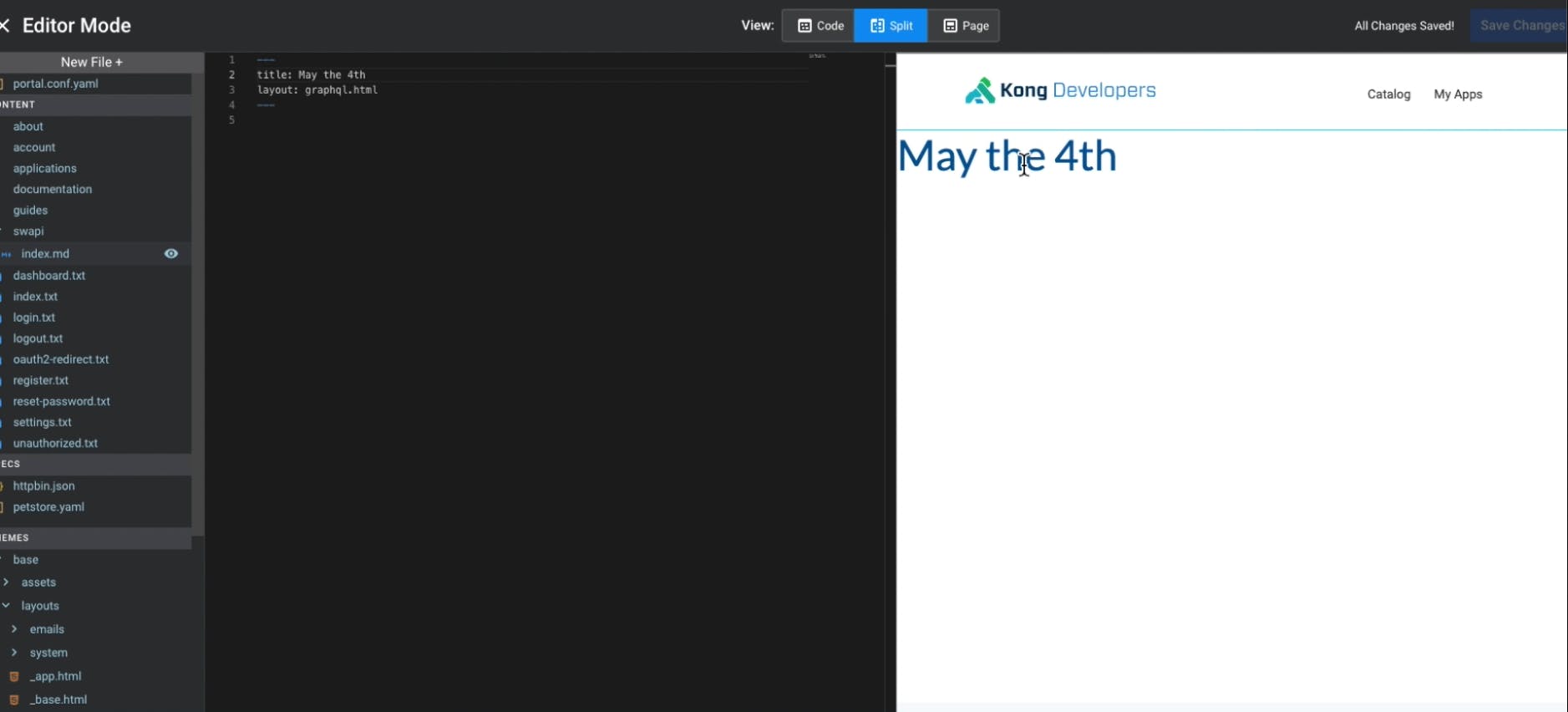
## **Add an API URL**
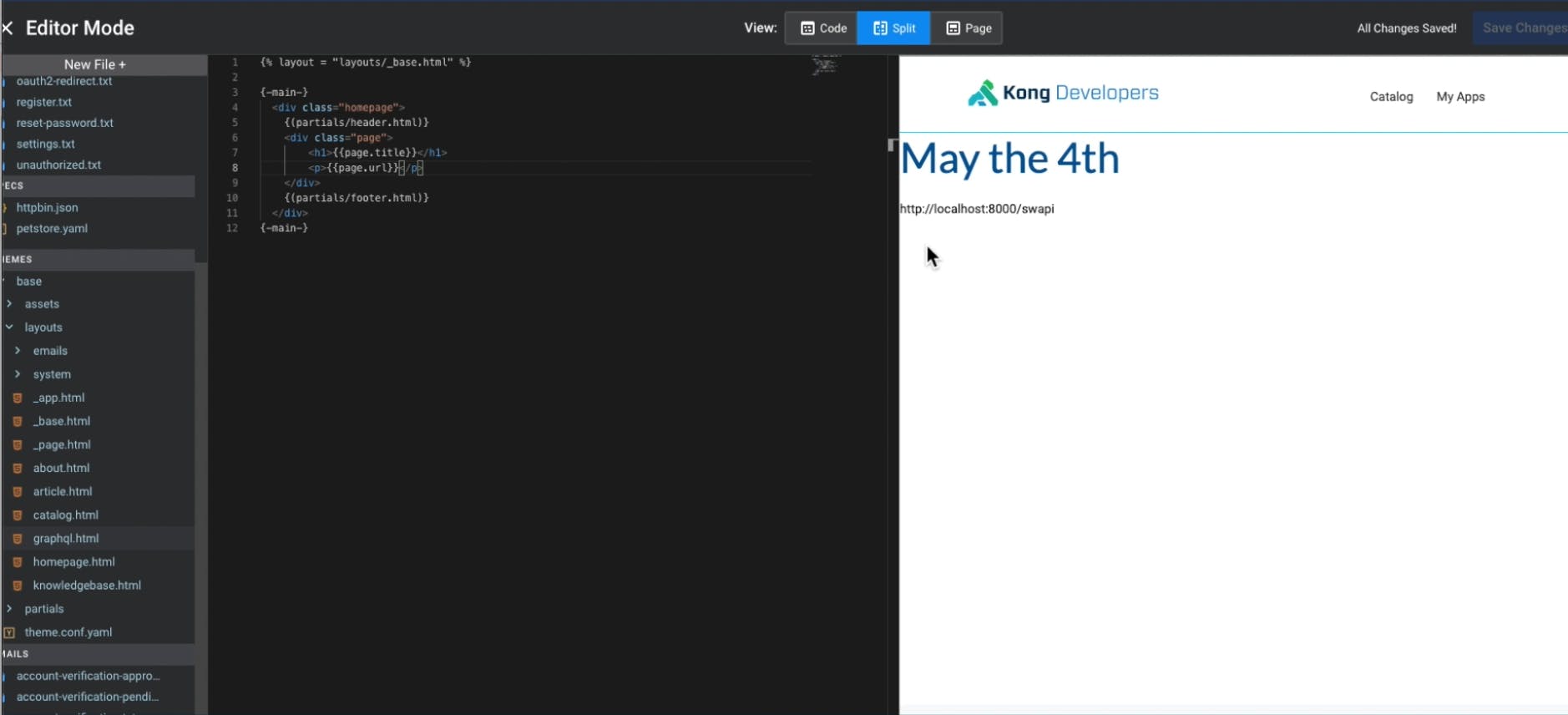
Let’s go ahead and let’s add a URL. And we will take the URL out of the already existing backend. I’ve already proxied it here using Kong. The URL of our Star Wars API backend is **http://localhost:8000/swapi**.
So far, we've been entering data. We could display the URL by adding it to the graphql.html file.
## **Copy Example Code from GraphiQL**
GraphiQL is a JavaScript interface. In Kong, you can use any language in the templates, including HTML, CSS and JavaScript.
From GraphiQL's GitHub, we can copy and paste an [example](https://github.com/graphql/graphiql/blob/main/examples/graphiql-cdn/index.html)example into our template. Change the API URL to the one we set earlier (http://localhost:8000/swapi). **Save Changes**. Now we have a working GraphQL within our browser.
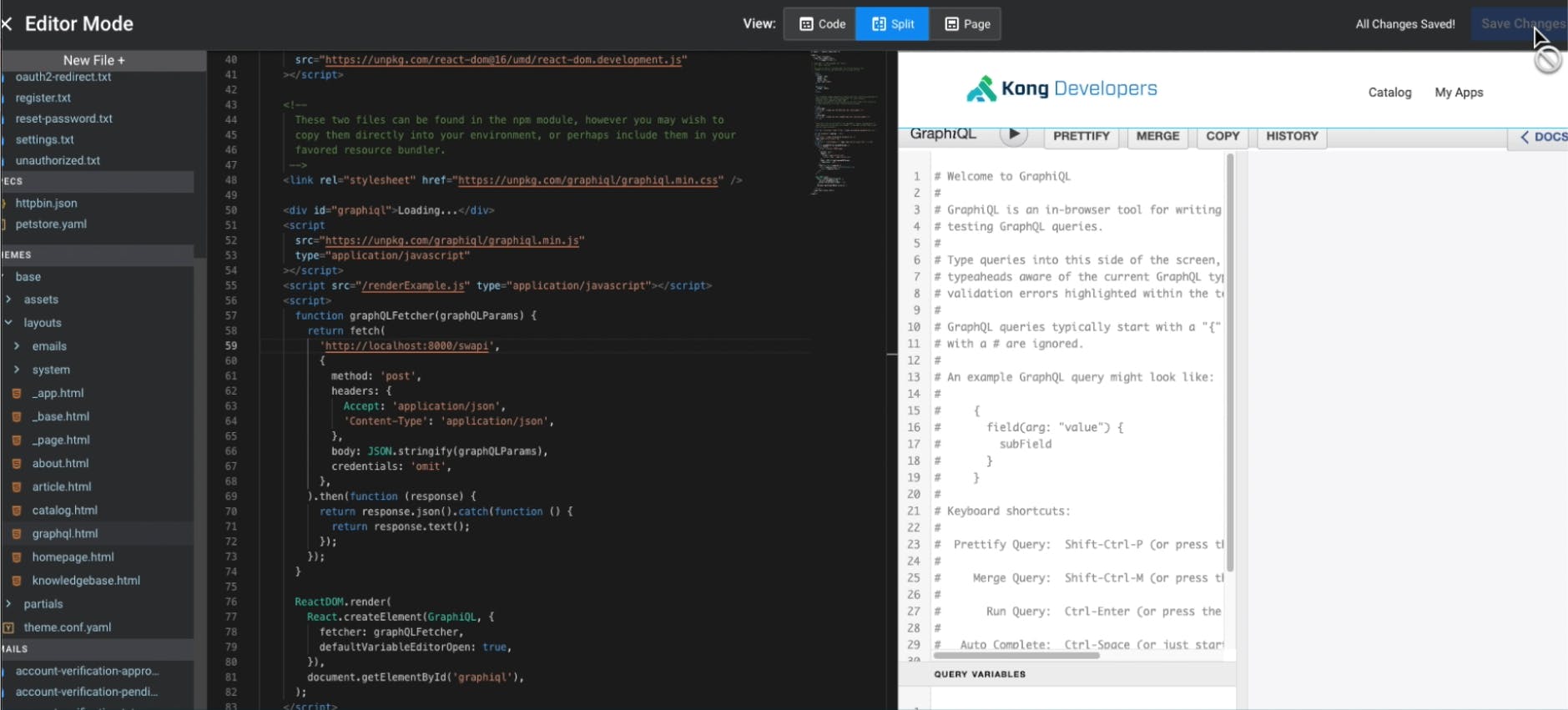
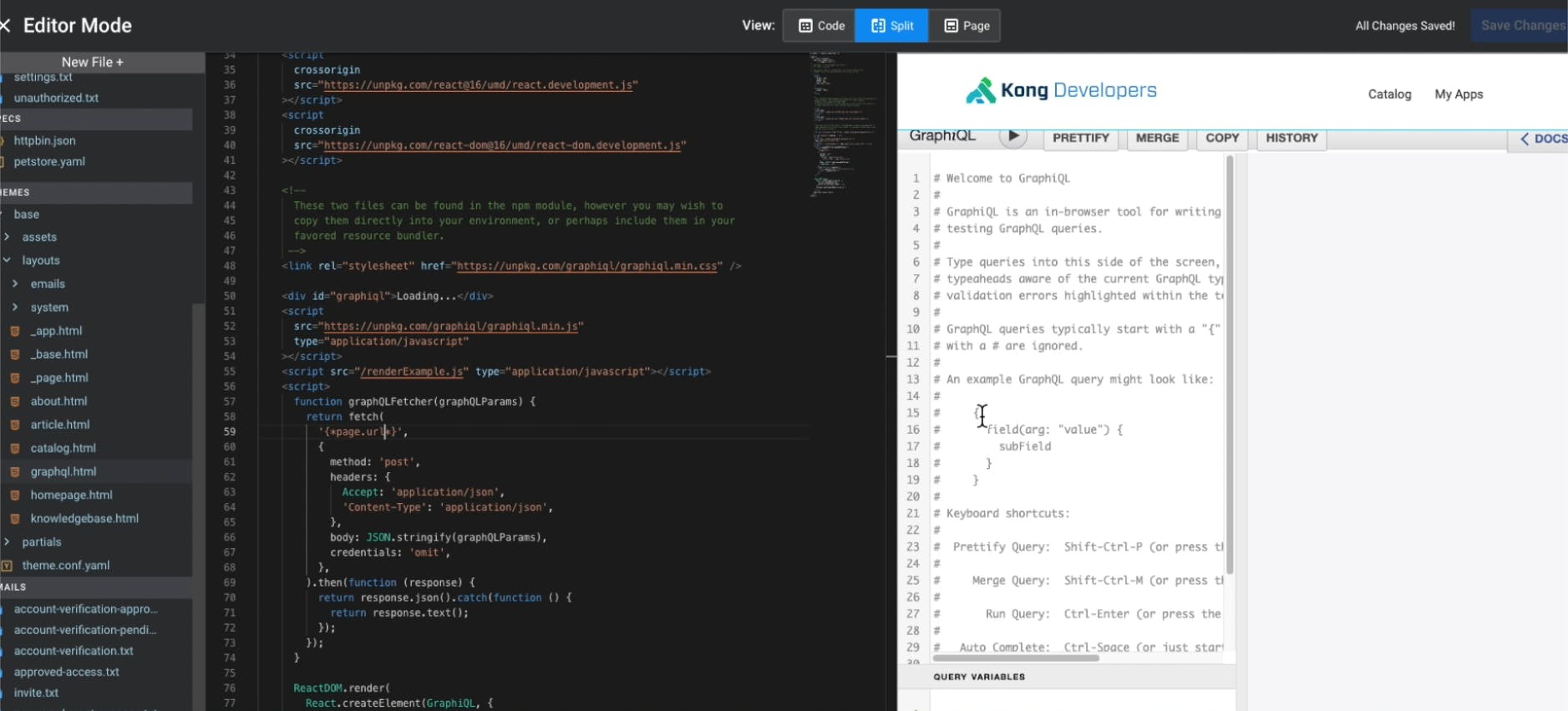
Before we look at how this renders in the real world, let's change the hardcoding to a variable. We created a variable for that earlier, so we can just put it in here.
This time, I will not use the two curly brackets. This time, I will use a slightly different syntax. The reason for that is that we do not want to encode this in some ways. We all want to have the full URL available in JavaScript. We have many options to parse our data. Let's use **page.url** like we have done before. **Save Changes**. It’s now rendering as expected.
## **Test the Interactive Dev Portal**
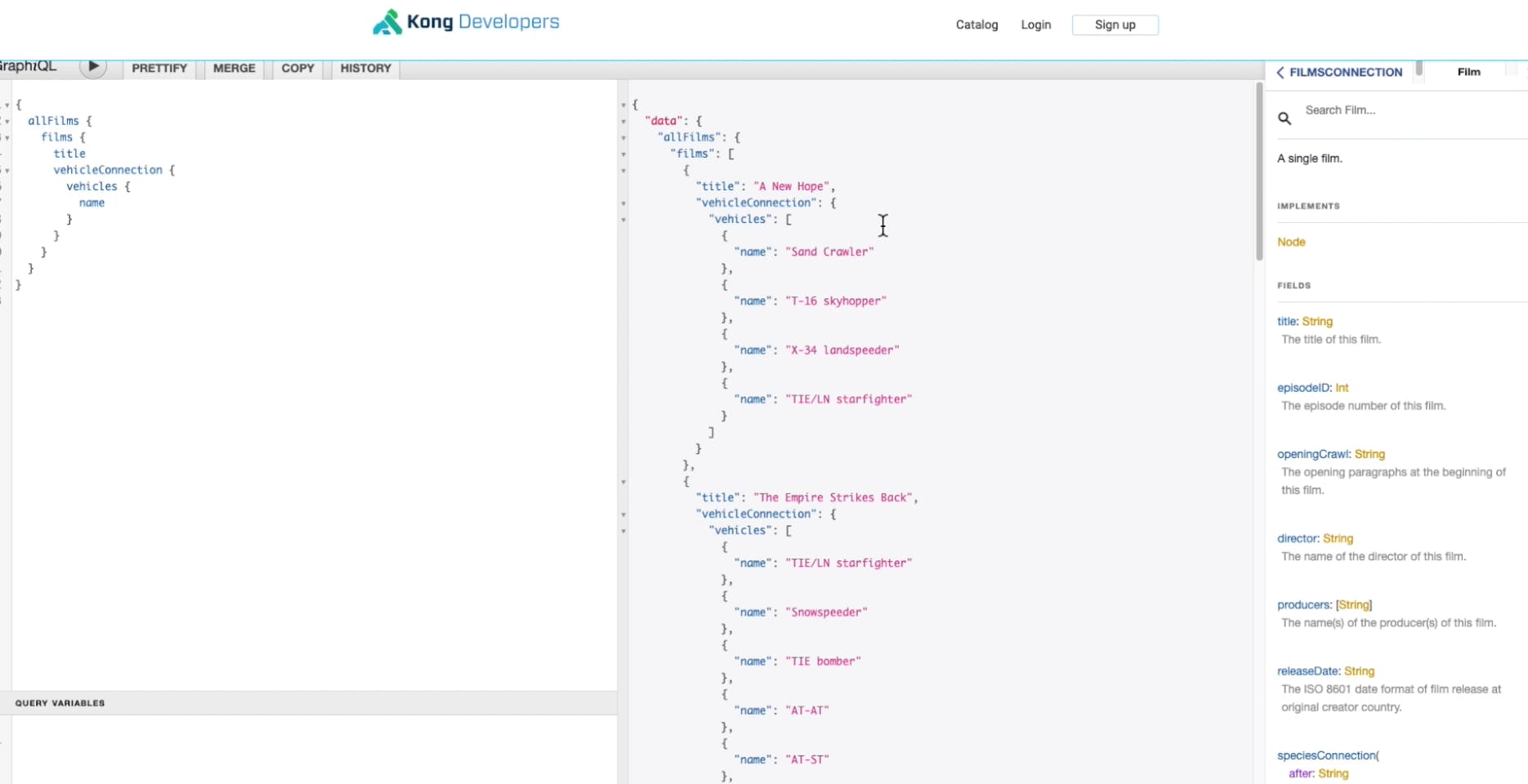
Now we have a running version of GraphQL at **localhost:8003/swapi**. There are some minor quirks, which we can make nicer, but it’s already fully working.
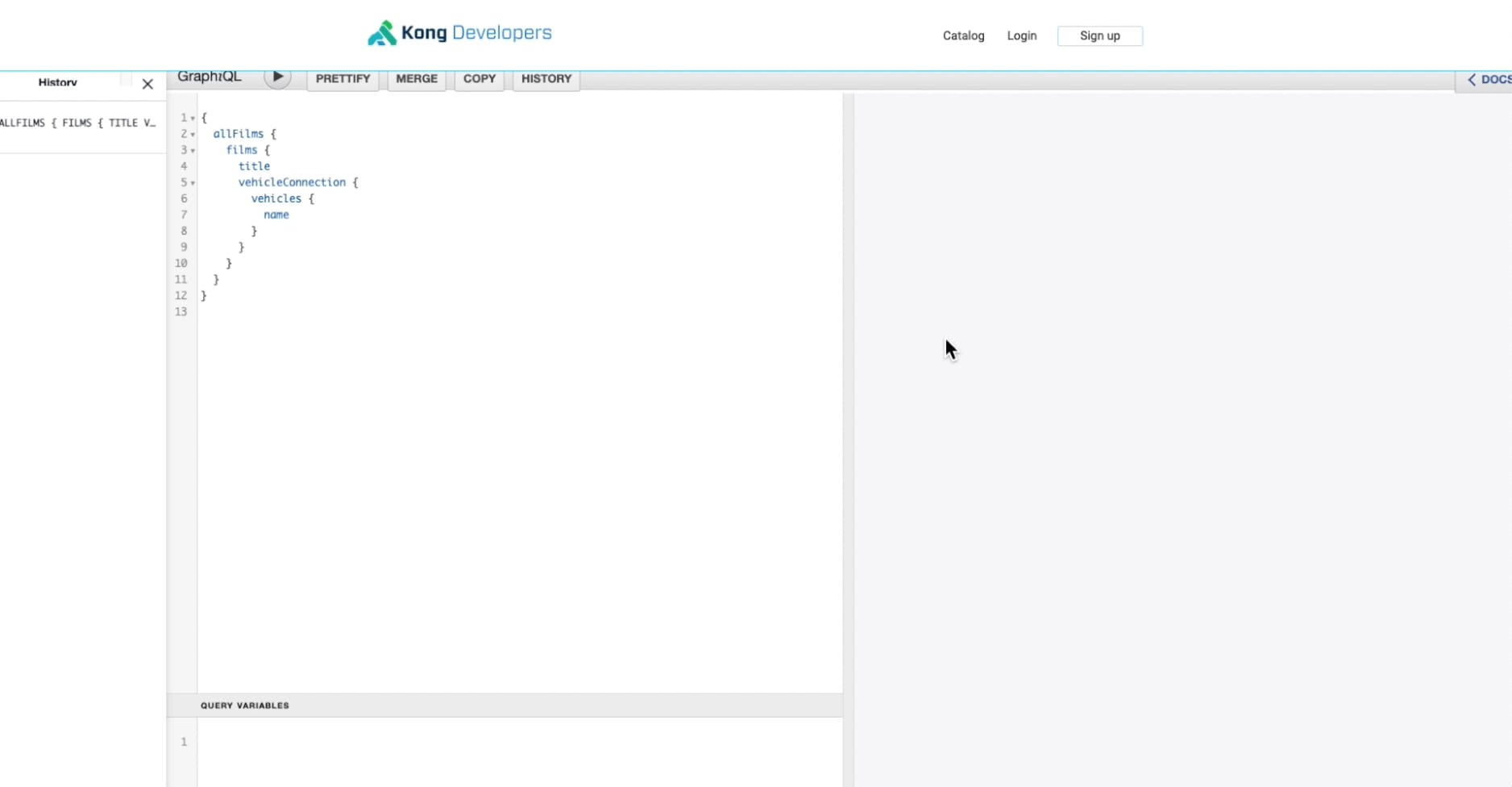
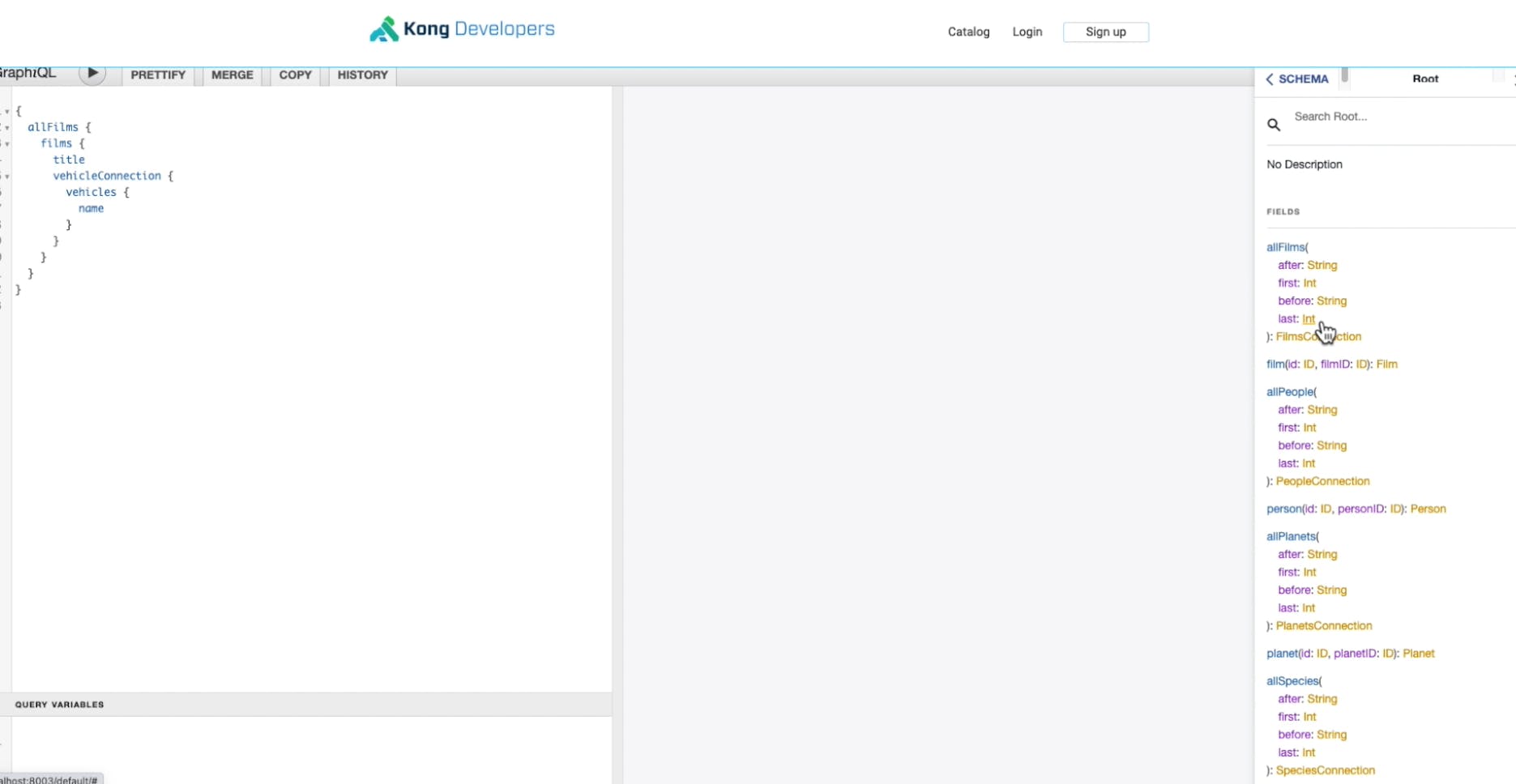
If we press ▶, we get a response back from the backend system. This portal is a lovely interactive way to work with an API. Everything is pulling from the backend system. We get autocomplete, multivariable and other bells and whistles from the nice graphical endpoint. We got all of this by just copying some JavaScript and HTML into a template. And now we can put as many pages based on that into the system.
## **Add a Link to the Navigation**
At this point, there's no link to this interactive Dev Portal, so no one can find it. Everything in Kong Dev Portal is declarative, including the navigation. We can change this in the menu structure in our YAML file. You can do much more fancy things, like authentication and role-based access control. Just for this example, adding navigation is enough.
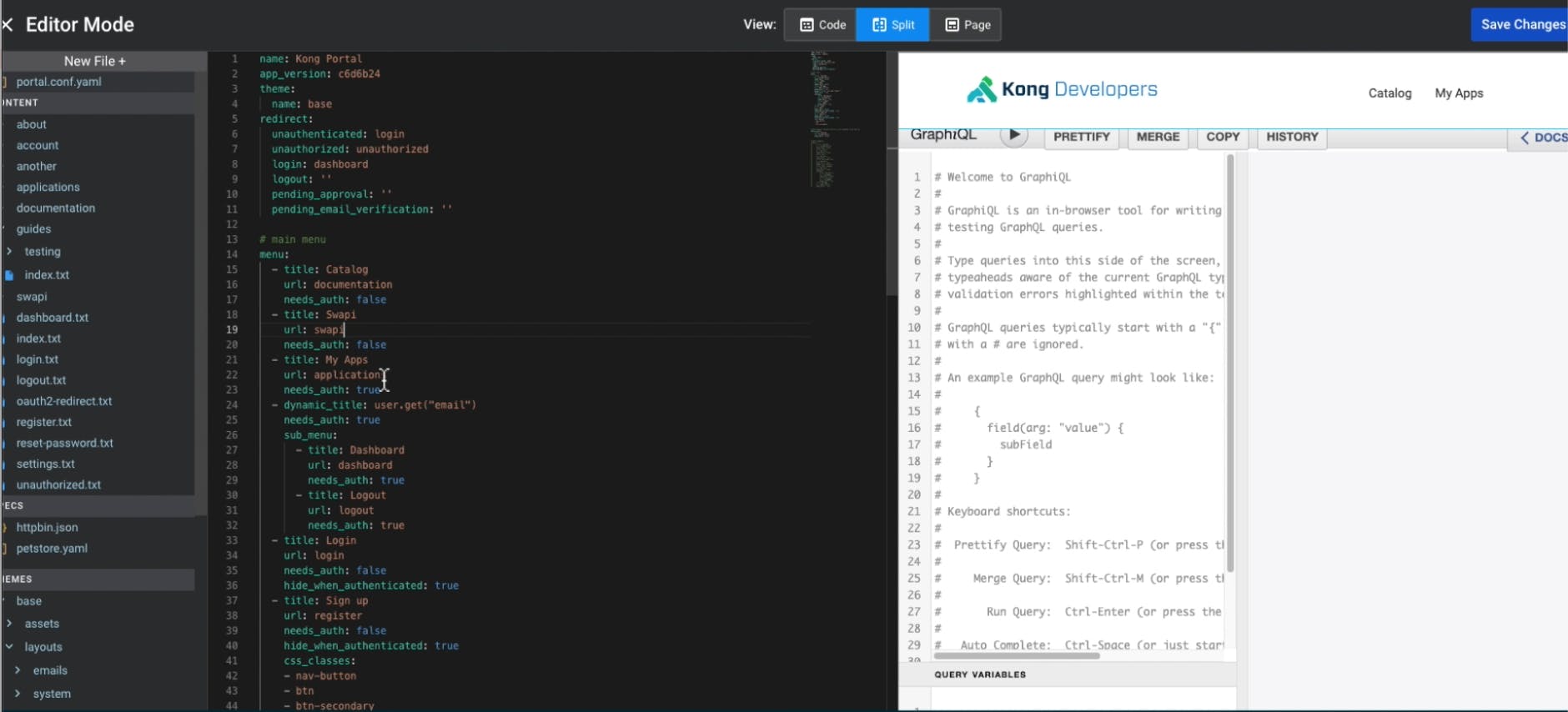
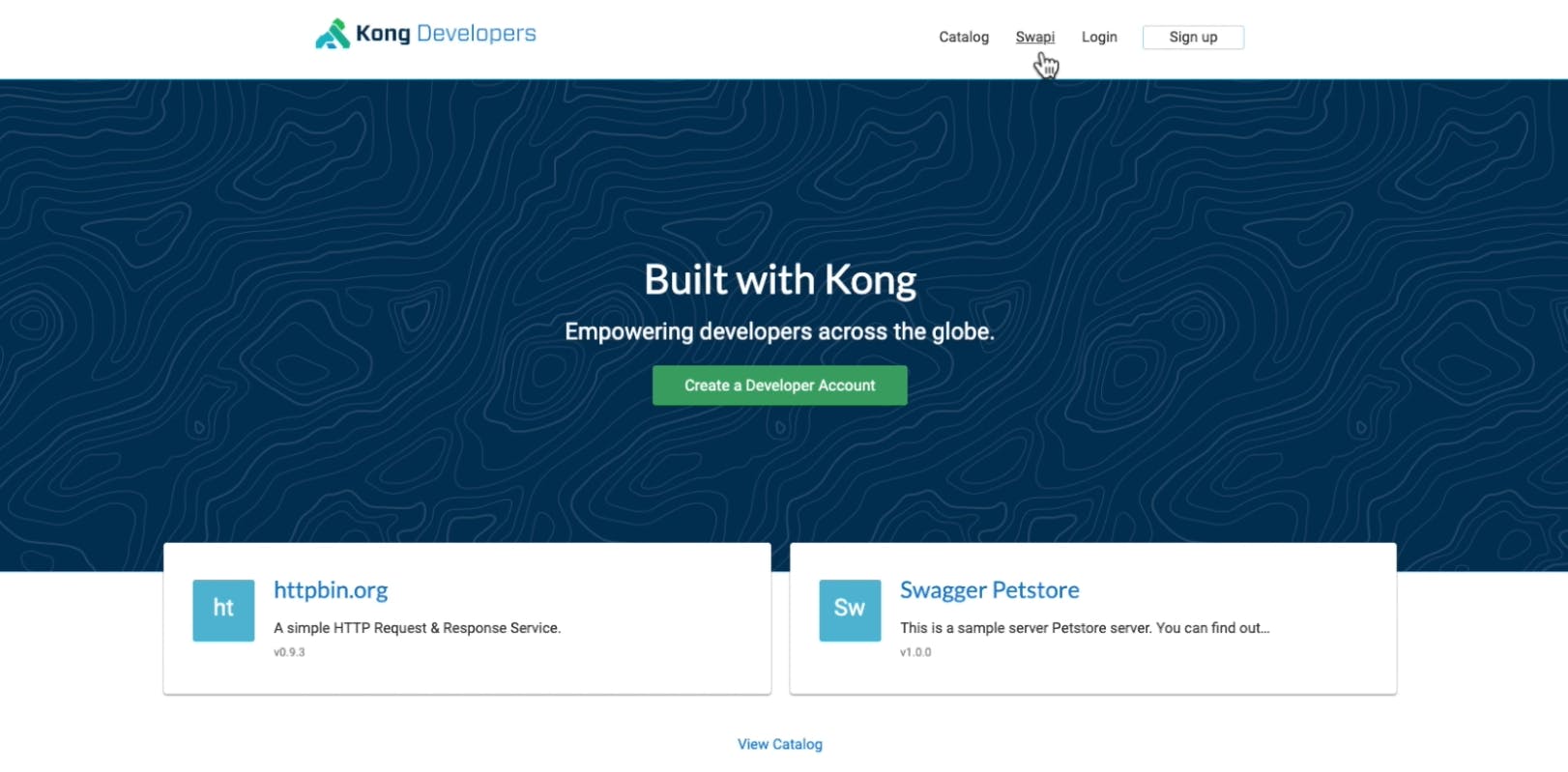
Once we reload our Dev Portal, we have another endpoint to get to our interactive Star Wars API documentation. Or you could create an overview page where we list all of them. The opportunities are endless.
## **What Will You Create?**
This example is just a high-level overview of how much we could do using Kong Dev Portal with GraphQL. We just created an interactive tool that does JavaScript and autocompletes with just a few snippets and the template Kong provides. Kong automates everything else.
[Start a free trial](https://konghq.com/kong-konnect)Start a free trial, or [contact us](https://support.konghq.com/support/s)contact us if you have any questions as you're getting set up.
Once you've set up Kong Dev Portal with GraphQL, you may find these other tutorials helpful: